
PDFEnrich · Ordered PDF packet guide
How to combine PDF files in the right order without lowering quality
A useful merged PDF is more than several files joined together. Plan the reading order, remove accidental duplicates, preserve native pages, and inspect every transition between source documents.
Reviewed July 29, 2026 by PDFEnrich Product Engineering.
Open Merge PDFWorked product example: An application followed by its supporting letter
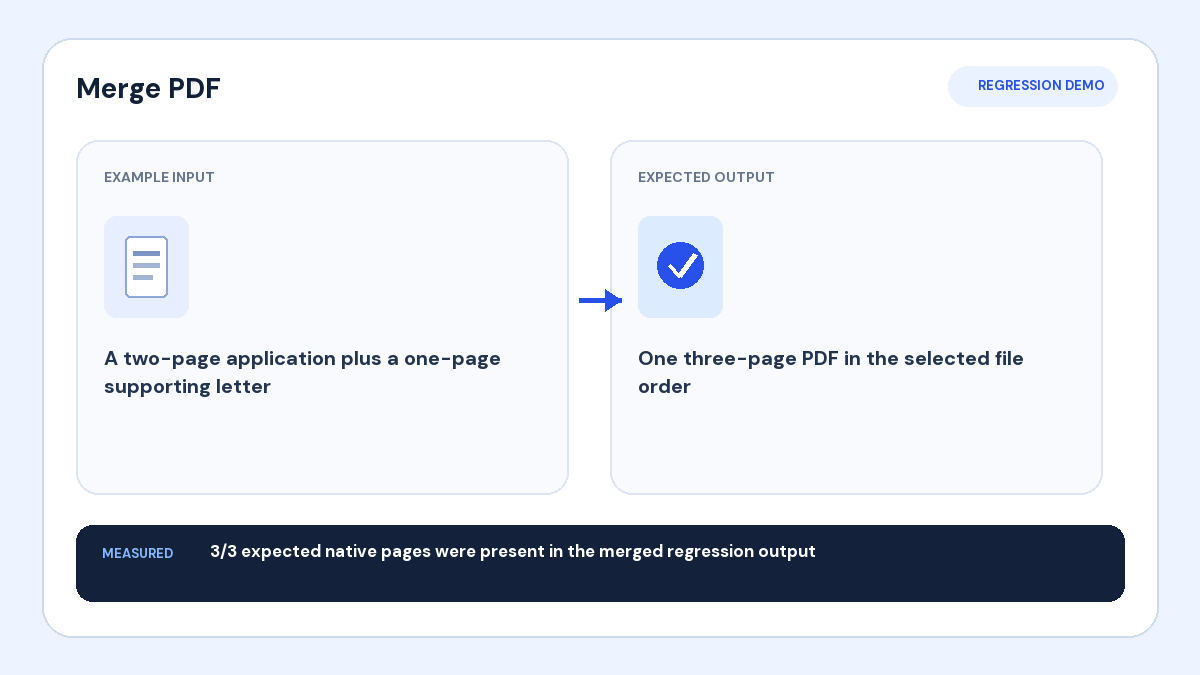
Input: A two-page application and a one-page supporting letter need to become one packet.
Action: Place the application first, the supporting letter second, and merge complete native pages.
Verified result: The regression output contained all three expected pages in the selected file order.
1. Plan the packet before uploading
Write the intended order in plain language: cover page, main document, attachments, exhibits, then optional reference material. Rename source files with simple sequence numbers when the order is easy to confuse. Remove drafts and duplicates before merging.
2. Check every source PDF
Open each file and confirm its page count, orientation, and authorization for inclusion. Password-protected PDFs must be unlocked only when you know the password and are allowed to modify them. Repair rotated or unwanted pages before the final merge.
3. Arrange whole files in reading order
Drag the source files into their final sequence. Each file keeps its own internal page order. If pages inside one source need rearranging, organize that PDF first and then return to the merge workflow.
4. Preserve native pages when possible
A native merge copies complete PDF pages instead of taking screenshots. This retains original page dimensions, selectable text, vector graphics, rotation, and embedded page content. Mixed page sizes are valid, but check how they look when scrolling or printing.
5. Inspect every transition
Confirm the final page count equals the total shown before merging. Open the first and last page, then check the boundary where each source file begins. Verify that attachments follow the document that references them and that no blank or duplicate page slipped into the packet.