
PDFEnrich · PDF compression decision guide
How to compress a PDF without losing the features you need
Compression is a tradeoff, not a magic percentage. Preserve the PDF structure first, use stronger image flattening only when necessary, and reject any attempted result that is larger or visibly unsuitable.
Reviewed July 29, 2026 by PDFEnrich Product Engineering.
Open Compress PDFWorked product example: An image-heavy PDF with an unoptimized page image
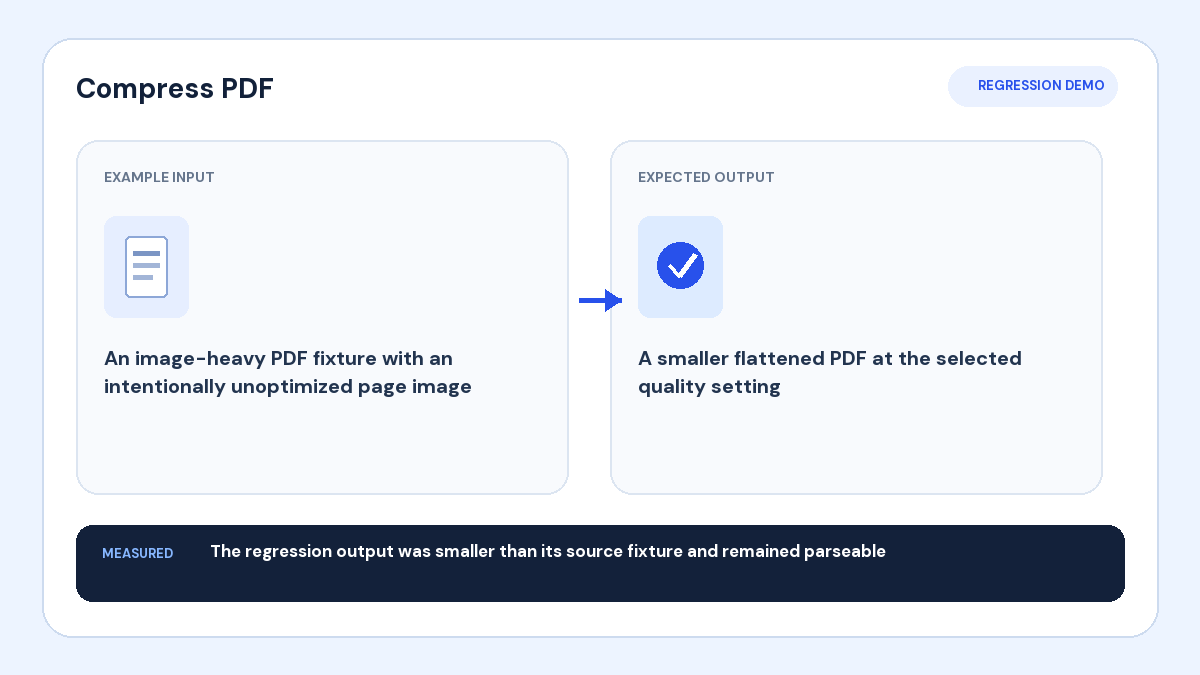
Input: The source fixture contains image data that can be reduced.
Action: Compress it at the selected quality level and compare the attempted output with the source.
Verified result: The tested output was smaller than the source and reopened as a valid PDF.
1. Decide what must survive compression
If recipients need selectable text, working links, form fields, vector graphics, or accessibility structure, begin with Lossless cleanup or Balanced. If the document only needs to be viewed and the attachment limit is strict, Maximum reduction can create a smaller flattened visual copy at the cost of interactive features.
2. Start with the structure-preserving modes
Lossless cleanup focuses on compacting streams and unused objects. Balanced uses similar structure-preserving cleanup as the practical default. These modes do not intentionally turn every page into an image, so they are the right first attempt for reports, forms, contracts, and text-heavy documents.
3. Use maximum reduction deliberately
Maximum reduction renders pages to lower-quality JPEG images. It can help image-heavy scans, but it removes selectable text, links, fields, vectors, layers, and accessibility tags. Small text, diagrams, signatures, and fine lines deserve close visual review.
4. Compare measured results
Check the original and attempted byte sizes instead of trusting a generic quality label. A PDF that is already optimized may not become smaller. PDFEnrich keeps the original when the attempted result is larger and excludes that attempt from downloads.
5. Verify before replacing the source
Compare the first-page preview, reopen the complete output, and spot-check small text, images, page count, links, and forms that matter. Keep the source file. If a cryptographic signature is important, retain the signed original because compression changes file bytes and can invalidate signature verification.