
PDFEnrich · Email attachment PDF guide
How to compress a PDF for email and leave room for message overhead
The file size shown in your folder is not the whole email message. Attachment encoding adds about one-third before headers and message content, so leave margin instead of aiming at the provider ceiling.
Reviewed July 29, 2026 by PDFEnrich Product Engineering.
Compress a PDF for emailWorked product example: Prepare a scan-heavy report for attachment
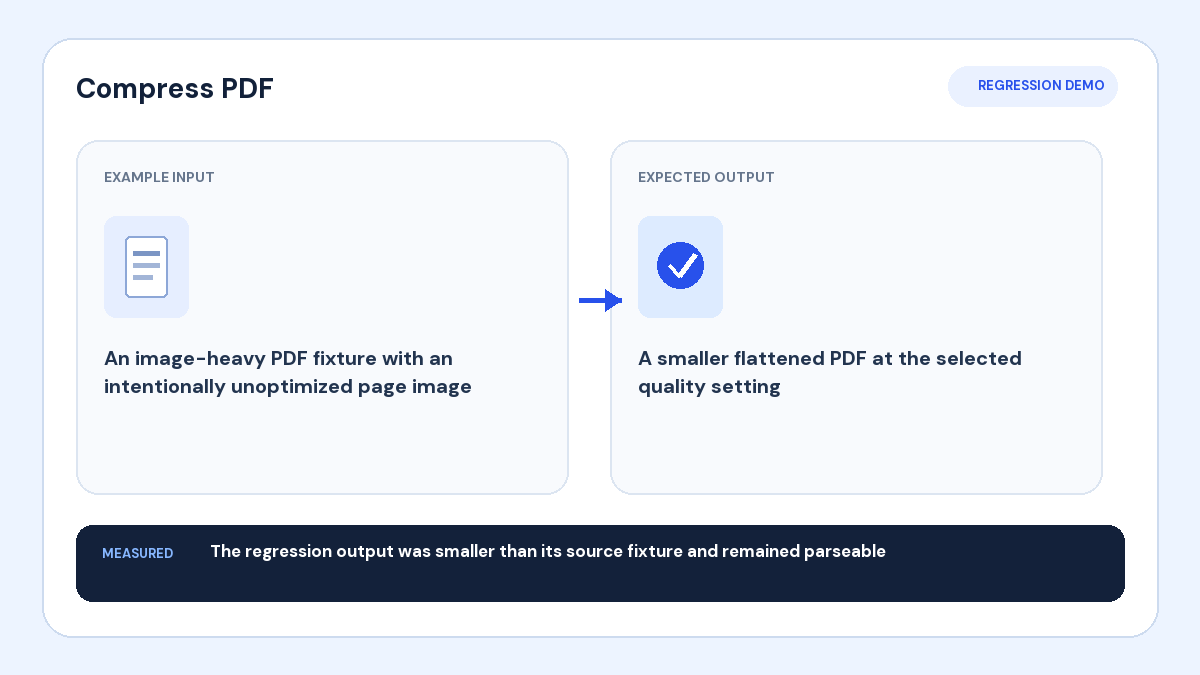
Input: A report opens correctly but is too large for a recipient's attachment policy.
Action: Create a smaller copy, keep text structure when possible, and choose a target below the stated message ceiling.
Verified result: The attached file should be the reopened verified copy, with enough margin for encoding and message headers.
1. Separate file size from message size
Email systems commonly encode binary attachments as Base64 text. The encoded attachment is roughly four bytes for every three source bytes, before message headers and body content. Provider and organization limits vary, so check the recipient's current rule.
2. Choose a target with margin
Do not compress to the exact published ceiling. Leave space for encoding, filenames, MIME boundaries, signatures, and other attachments. For a strict workflow, send a test to yourself or use the organization's approved secure file-sharing path.
3. Preserve readability and function
Start with structure-preserving compression for reports, contracts, forms, and searchable records. Use flattened maximum reduction only when a visual copy is acceptable. Zoom into the smallest text and inspect image details before sending.
4. Attach the file you actually verified
Reopen the downloaded result, confirm page count and order, then attach that exact copy. If the message still exceeds the limit, split the PDF into named parts or use an approved sharing link rather than repeatedly damaging the document.